Click to download now, finish the installation quickly, and directly unlock the all-round experience
Screenshots

Click to download now, finish the installation quickly, and directly unlock the all-round experience
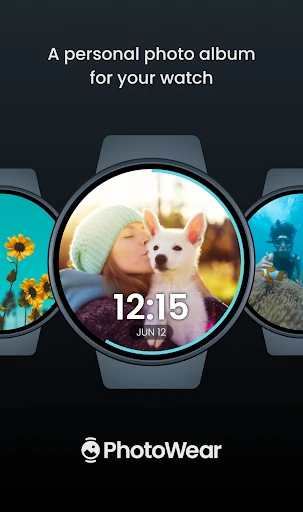
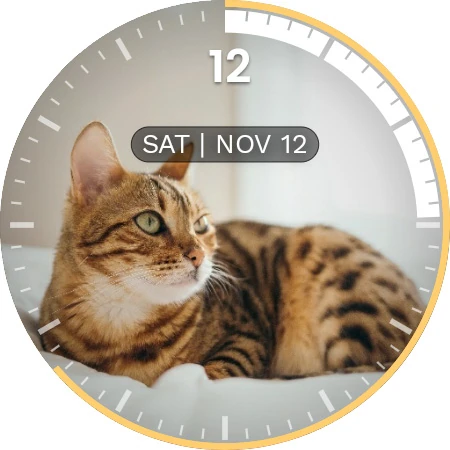
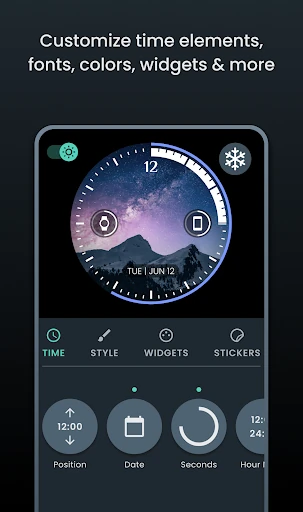
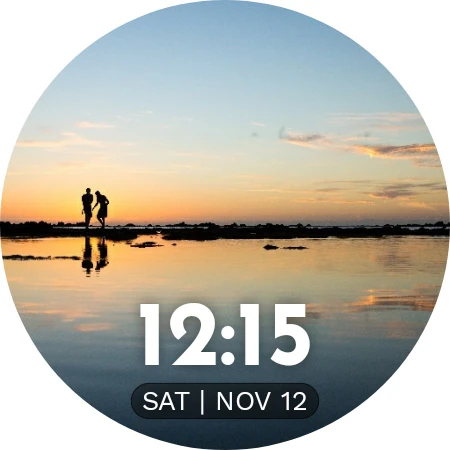
PhotoWear Watch Face turns a Wear OS smartwatch into a rotating display for your own images. It suits people who want their watch to feel more personal, rather than relying on a standard face built around fitness numbers or fixed graphics. You can choose photos, adjust how the clock appears, and keep familiar faces, places, or moments visible throughout the day.
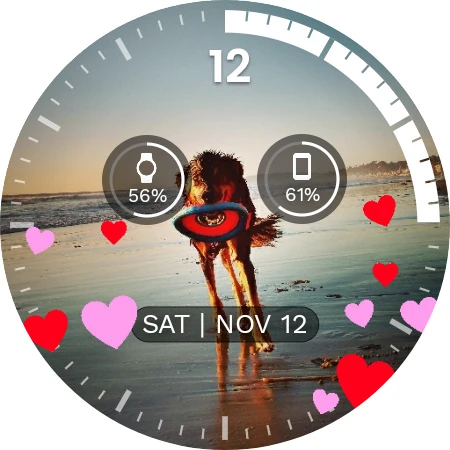
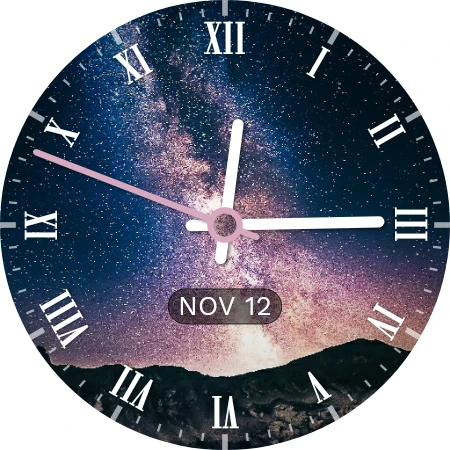
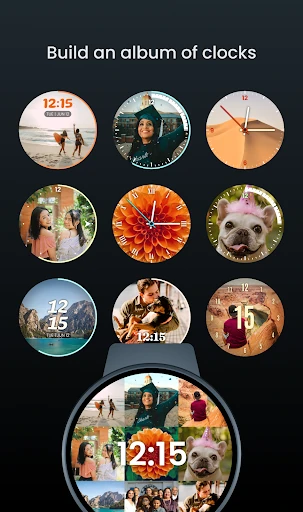
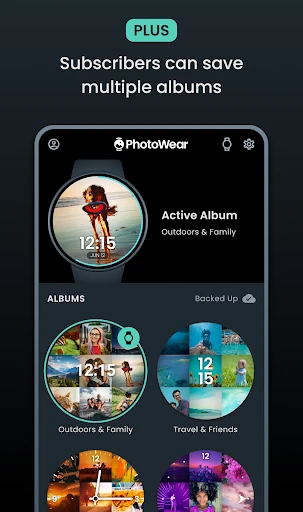
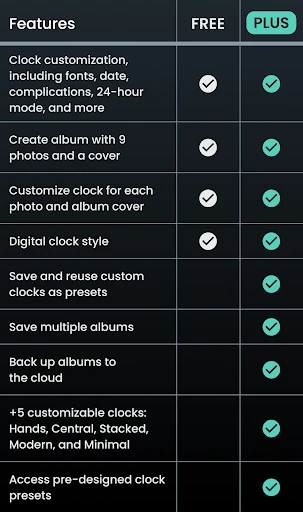
The app lets you organise photos into albums of up to nine images. Each image can have its own clock style, which helps keep the time readable without covering the main subject. You can also choose where complications appear, giving you more control over details such as other watch data and how the layout balances with the photo.
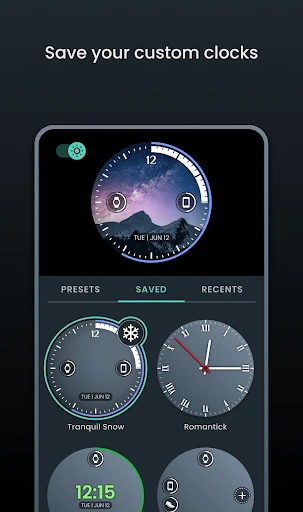
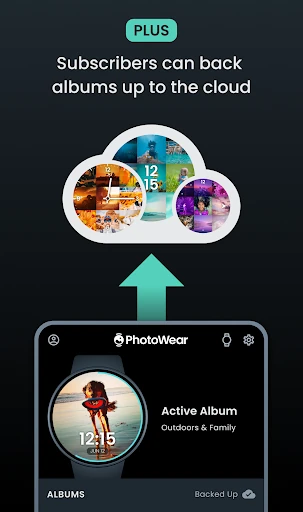
PhotoWear is a better fit for personalisation than for users seeking a dense information dashboard. The phone acts as the editing and setup area, while the watch displays the finished face. Multiple albums and cloud backup are available as part of the Plus subscription, so the most flexible setup may depend on whether you want those extras.
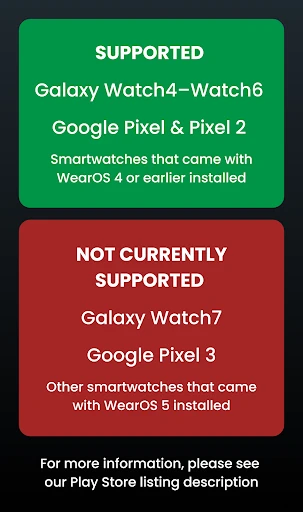
With a 4.21 rating from 573 reviews and 50,000+ installs, PhotoWear has built a sizeable audience for a focused watch-face idea. It is published by Squeaky Dog Studios and sits in the Personalization category. Check device support carefully if you use newer Wear OS hardware, as compatibility is not universal.